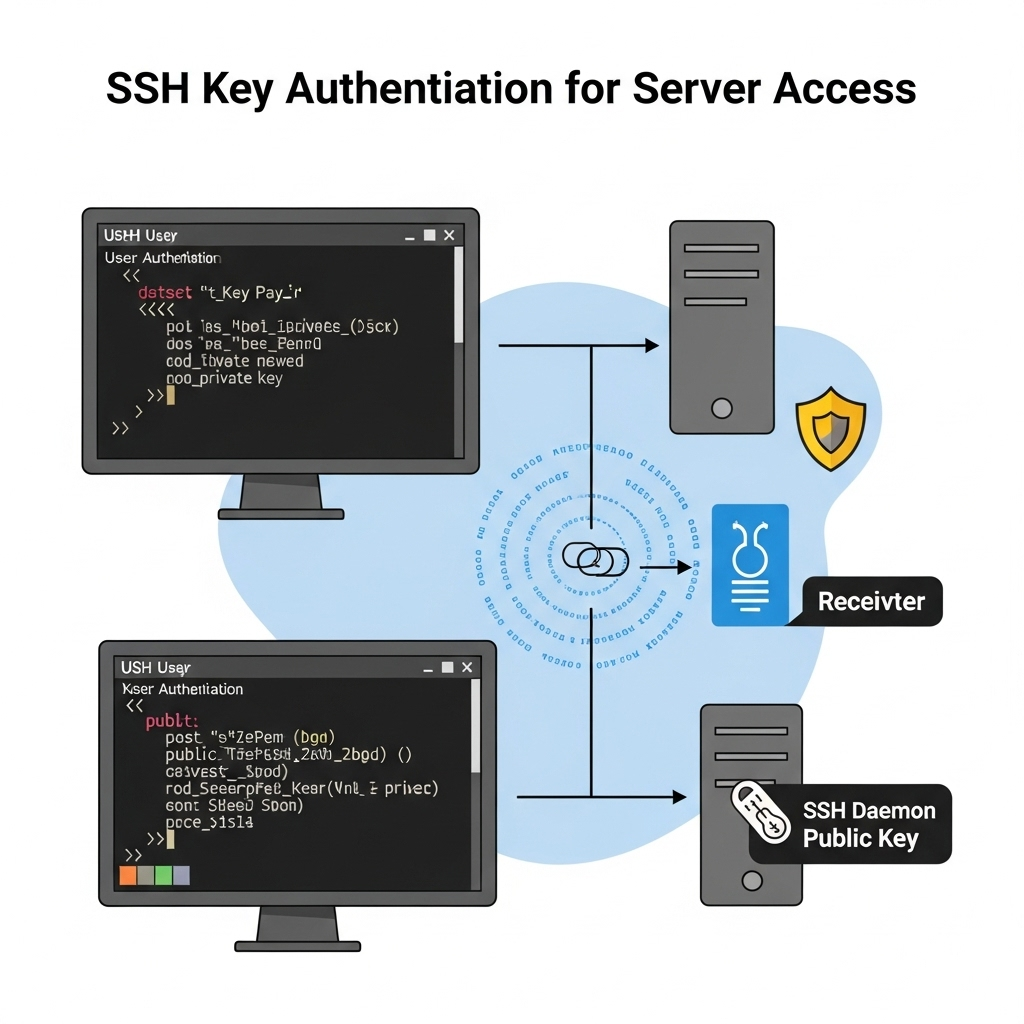
1. Generate SSH Key Pair on Your Local Machine
ssh-keygen -t rsa -b 4096 -f ~/.ssh/server_access_key -C "your_email@example.com"
Creates:
- Private key: ~/.ssh/server_access_key (keep this secure!)
- Public key: ~/.ssh/server_access_key.pub (to be added to the server).
2. Add Public Key to Server via Web Console
- Open the web console (DigitalOcean/AWS/etc.).
- Run:
mkdir -p ~/.ssh
echo "PASTE_PUBLIC_KEY_HERE" >> ~/.ssh/authorized_keys
chmod 600 ~/.ssh/authorized_keys
chmod 700 ~/.ssh
3. Test SSH Login from Local Machine
ssh -i ~/.ssh/server_access_key root@your_server_ip
4. (Optional) Disable Password Login for Security
On the server:
sudo nano /etc/ssh/sshd_config
Uncomment/add:
PasswordAuthentication no
PermitRootLogin prohibit-password
- Restart SSH:
sudo systemctl restart ssh    # Ubuntu/Debian
# OR
sudo systemctl restart sshd  # RHEL/CentOS
Key Takeaways
- ✅ No password needed: SSH keys replace password authentication.
- ✅ More secure: Keys are cryptographically stronger than passwords.
- ✅ Works even if you forget the password: As long as you have web console access.1
- ✅ Disable passwords: Prevent brute-force attacks.
Final Tip
Back up your private key (~/.ssh/server_access_key) somewhere safe! 🔐