Ansible LAMP Stack Automation on RHEL
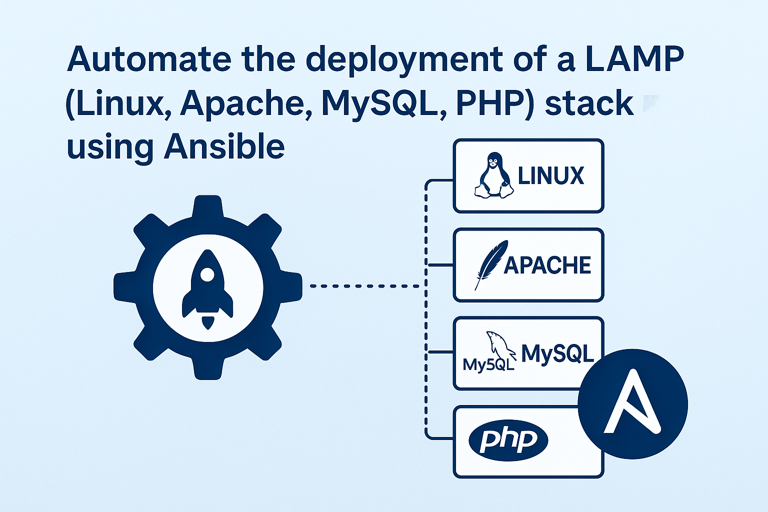
Automate the deployment of a LAMP (Linux, Apache, MySQL, PHP) stack using Ansible
📝 Description
This Ansible playbook automates the installation and configuration of a LAMP stack (Linux, Apache, MySQL/MariaDB, PHP) on Red Hat Enterprise Linux (RHEL). It ensures a repeatable and idempotent setup, making it ideal for DevOps practices.
✅ Features
- Installs and configures Apache (
httpd) - Sets up MariaDB (MySQL) with secure defaults
- Deploys PHP with MySQL support
- Configures firewall (
firewalld) to allow HTTP traffic - Includes a test
index.phppage to verify PHP
⚙️ Prerequisites
- RHEL (or CentOS) System (tested on RHEL 8/9)
-
Ansible Installed
bash sudo dnf install ansible-core -y -
Python 3 &
pip(for Ansible MySQL module)bash sudo dnf install python3 python3-pip -y pip3 install PyMySQL
🚀 Quick Start
1. Clone the Repository
git clone https://github.com/yourusername/ansible-lamp-rhel.git
cd ansible-lamp-rhel
2. Run the Ansible Playbook
ansible-playbook -i inventory playbook.yml
3. Verify the Setup
-
Check Apache:
bash curl http://localhost/index.php -
Check MariaDB:
bash
  sudo systemctl status mariadb
📂 Project Structure
ansible-lamp-rhel/
├── inventory          # Defines target host (localhost)
├── playbook.yml       # Main playbook for LAMP setup
├── files/
│   └── index.php      # Test PHP file
└── README.md          # This file
🔧 Customization
Variables
Edit playbook.yml to modify:
- MySQL root password (
mysql_root_password) - PHP modules (add more if needed)
Firewall Rules
If using a different port (e.g., 8080), update:
sudo firewall-cmd --add-port=8080/tcp --permanent
sudo firewall-cmd --reload
⚠️ Troubleshooting
| Issue | Solution |
|---|---|
| Apache not running | sudo systemctl start httpd |
| PHP not working | sudo dnf install php php-mysqlnd |
| Firewall blocking | sudo firewall-cmd --add-service=http |
| SELinux issues | sudo setenforce 0 (temporarily) |
Check logs:
sudo tail -f /var/log/httpd/error_log
📜 License
MIT License - Free to use and modify.
📌 What’s Next?
- Extend this project: Add WordPress deployment.
🌟 Your Feedback Matters!
Open an issue or PR if you have improvements. Happy automating! 🚀